

English


In some locations, cellular coverage is unpredictable: available in a clearing, but gone thirty meters away. From one counting point to the next on the same trail, the network might be there—or not at all. Trying to impose a one-size-fits-all solution on an entire park under these conditions is like aligning all sites to the standard of the least-served one. We approach the problem from the other direction: a solution tailored site by site. Connected counters where the network allows, and non-connected counters with Bluetooth retrieval where it falls short. This choice isn't theoretical—it is decided after a coverage test conducted beforehand, location by location. Each point thus receives the most reliable solution for its specific needs, and, incidentally, the most cost-effective one.

In the field, connectivity cannot be determined from an office. It must be verified. That is why a coverage test precedes installation: it is not about guessing what a site will pick up, but measuring it before installing anything at all.
This test leads to a simple distribution. Where the network responds, the counter will be connected and will transmit its data automatically. Where it is missing, the counter will operate in complete autonomy, and its data will be retrieved during field visits. Two modes for the same goal: never leave a site without measurements just because it is poorly served.
On sites that have network access, each counter Verdilo transmits its data wirelessly via LTE-M / NB-IoT (4G-compatible) or Sigfox cellular networks using HTTPS, with counts encrypted by a private key unique to the park. The transmission frequency is configurable—every 12 or 24 hours, for example—with at least one daily update.
One detail matters more than it seems: each counter includes a buffer memory. If the network goes down temporarily, nothing is lost; the accumulated counts are sent as soon as the connection is restored. In terms of budget, this remote transmission is included in the annual operating fee for the connected counter.
On sites identified as non-covered during testing, the counter does not search for a network: it doesn't need one. It records its counts locally, in complete autonomy. The data is then retrieved on-site by an agent using a simple smartphone and the provided magnet—no specialized tools or specific technical skills required.
The procedure consists of six steps:
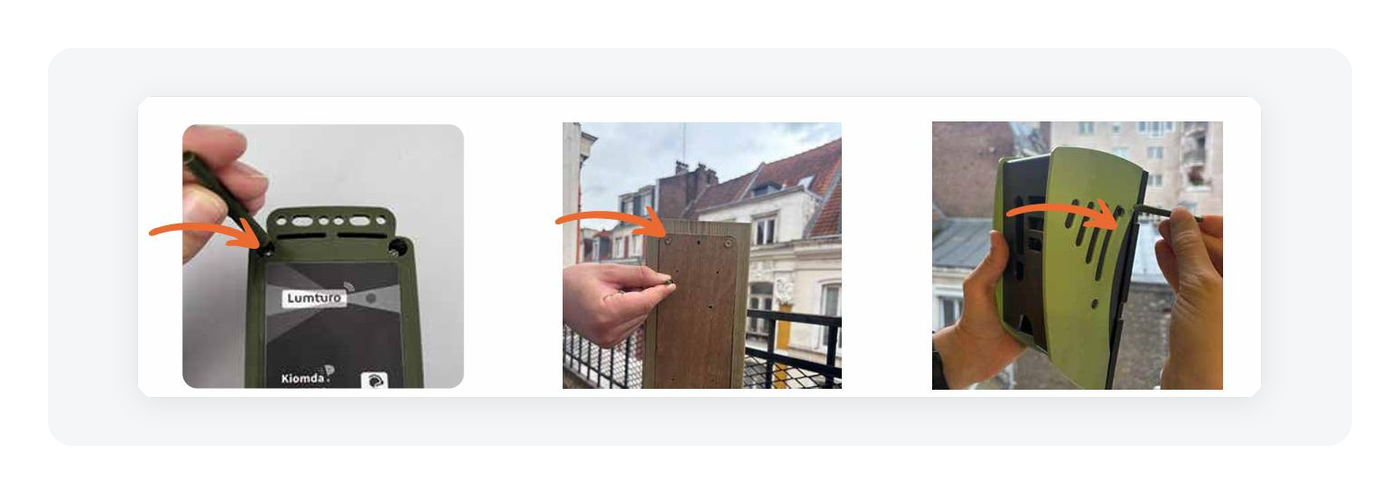
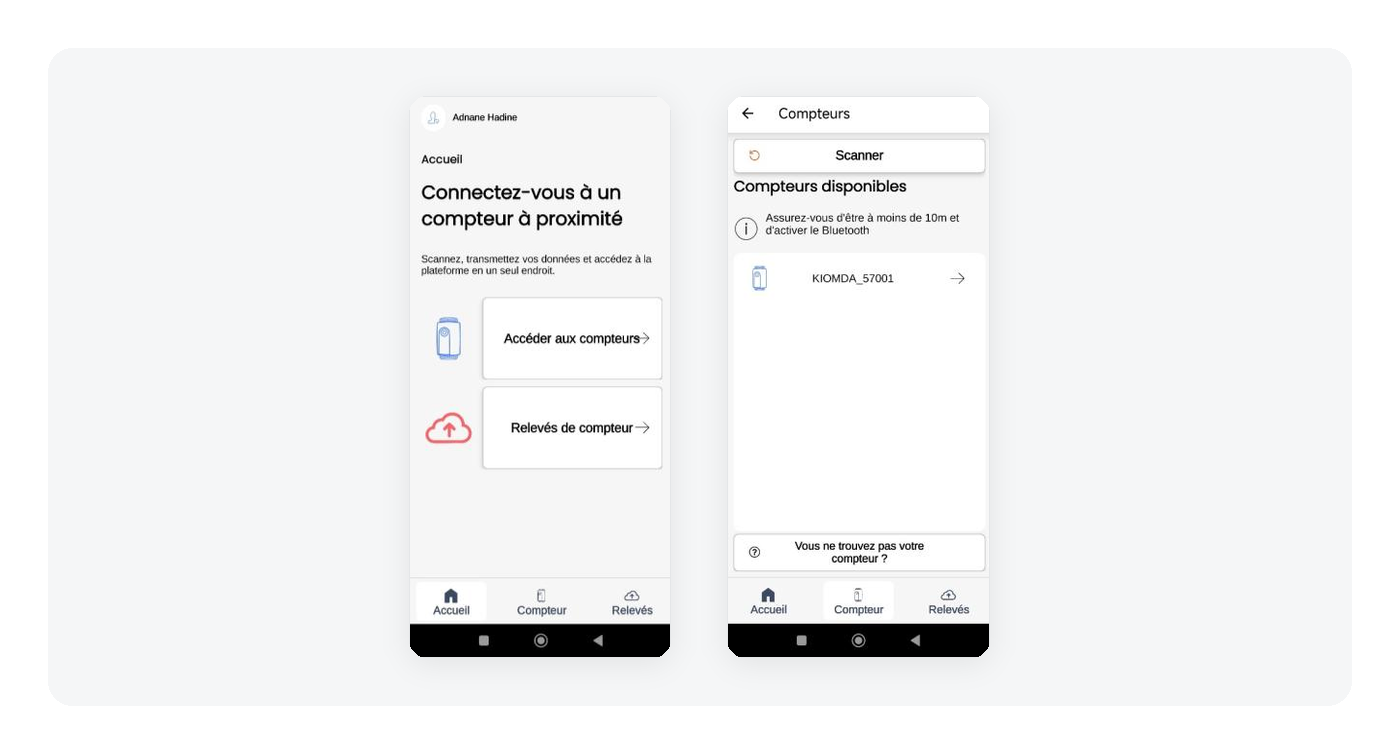
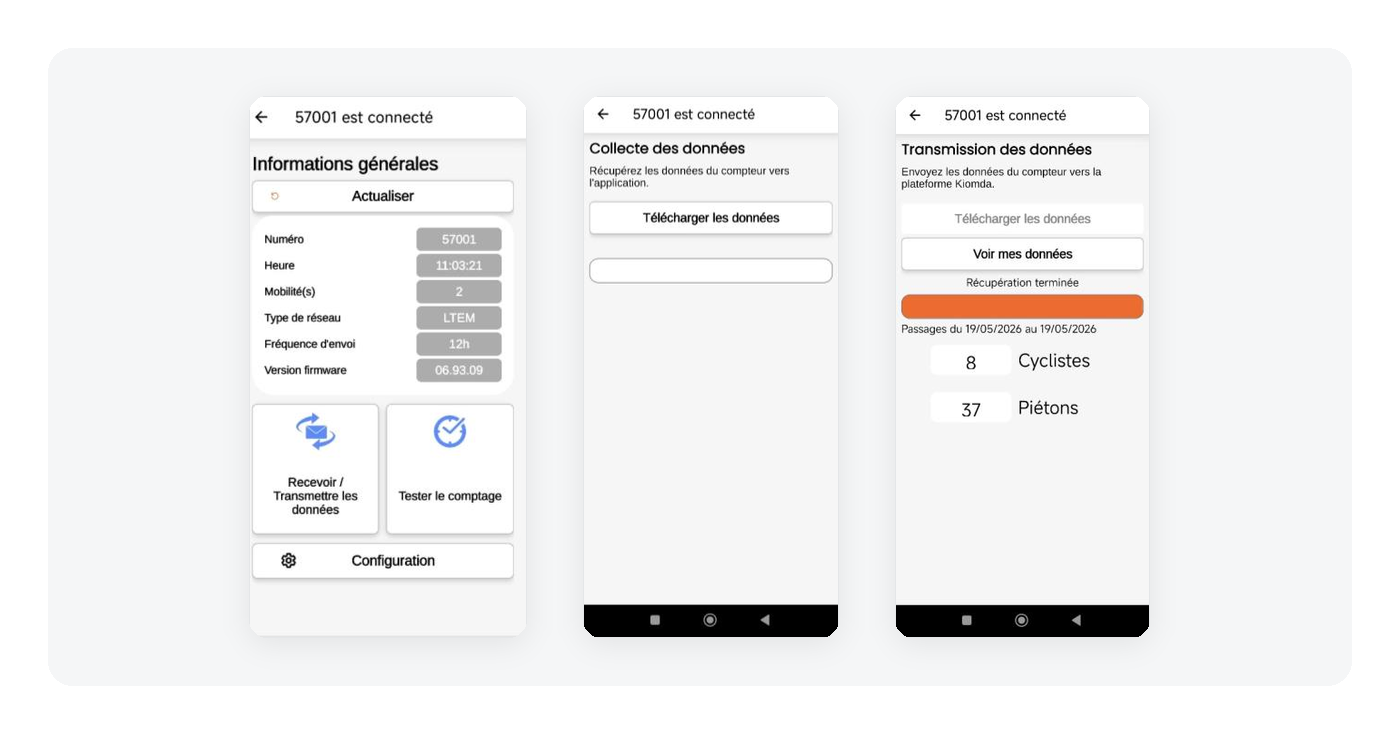
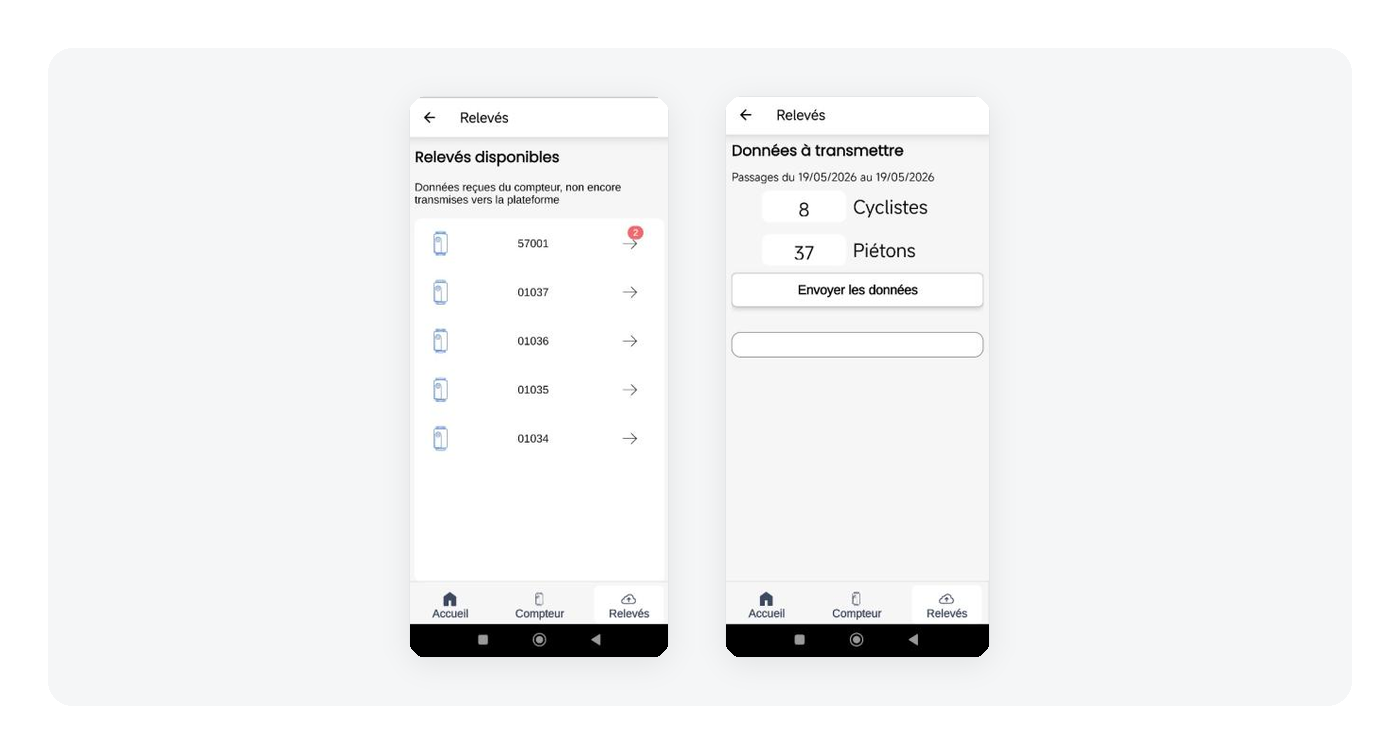
The counts are then uploaded to analytics.kiomda.com—in the exact same place as those from connected sites. There are no recurring teletransmission costs: this is precisely what makes this version more economical than the connected version. The only requirement is a periodic visit by an agent, which fits effortlessly into existing first-level maintenance and field rounds.
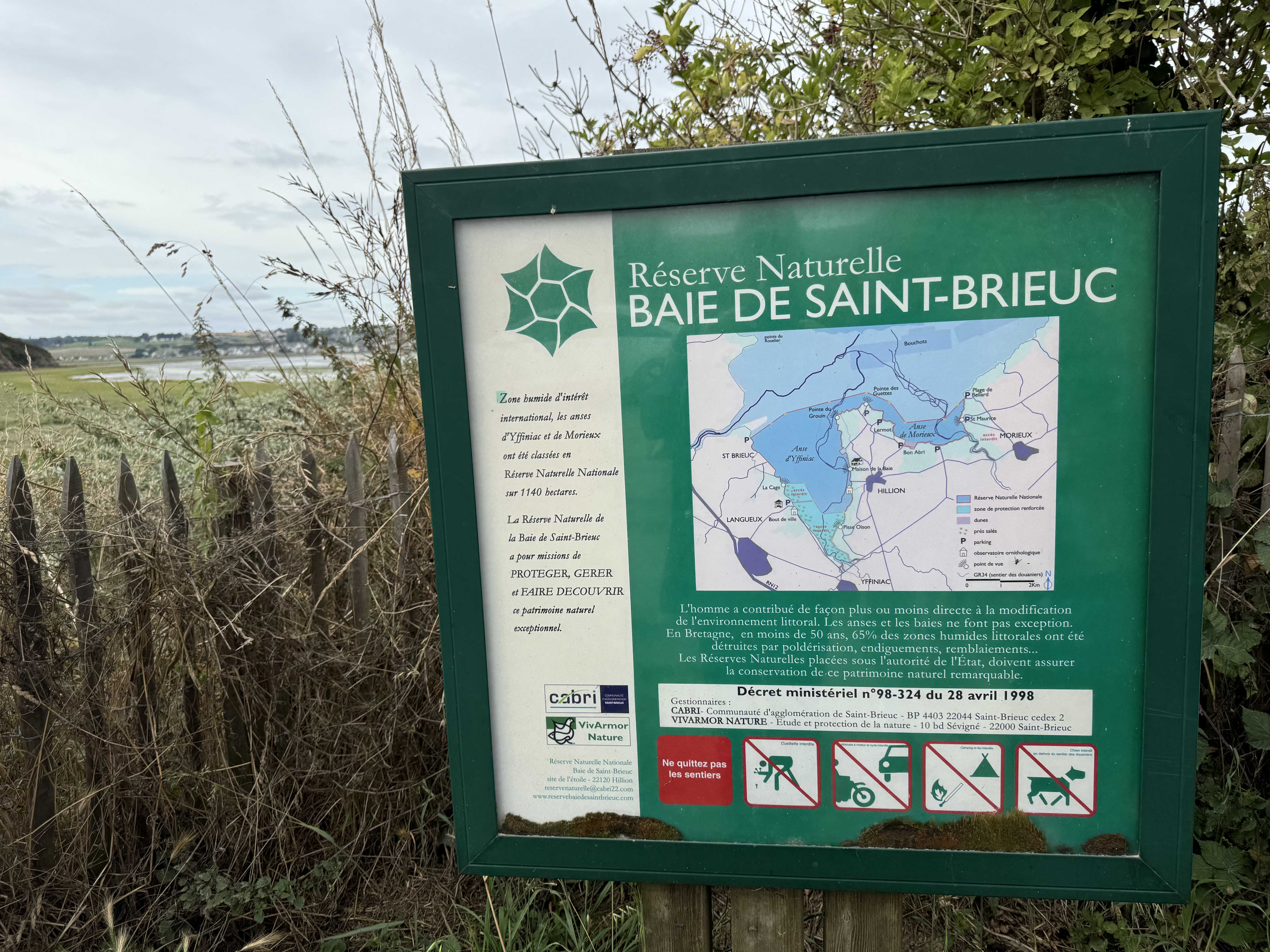
This is the method used, for example, to monitor visitor numbers in a nature reserve without network coverage.
This dual-path system shares a single requirement: never lose any data, even where there is no network. The buffer memory handles this on connected sites, and local storage handles it on others. And regardless of the path taken, all measurements converge on a single platform. The manager thus maintains a consistent view of their entire fleet without having to deal with two separate systems.
The distinction between connected and non-connected is not permanent. If a site's coverage changes—due to a new relay or network expansion—the switch is simple and does not affect the counting point's history. The counter changes mode, but the data remains continuous.
In the field, the real question isn't deciding in advance whether you want connected counters or not. It's knowing, site by site, what the network actually allows—and not paying for teletransmission where a magnet and a site visit are sufficient.
The coverage test carried out beforehand is not just for choosing equipment. It determines the appropriate level of equipment for each location. The rest—installation, reading, and data upload—is done the same way everywhere and leads to the same place.
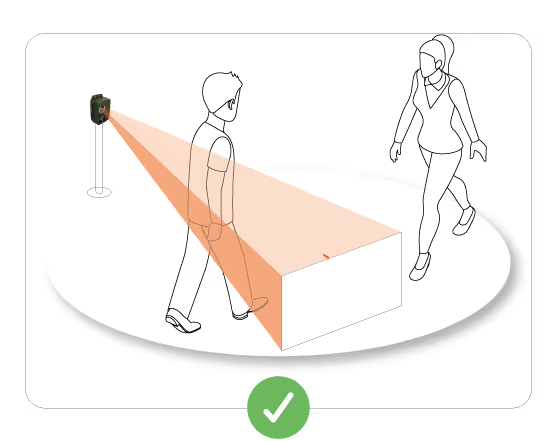
For heights, positioning, and best installation practices, see the Verdilo installation guide.





.svg)
.jpg)